

Home > Products > RFID TAG > RFID Library Tag
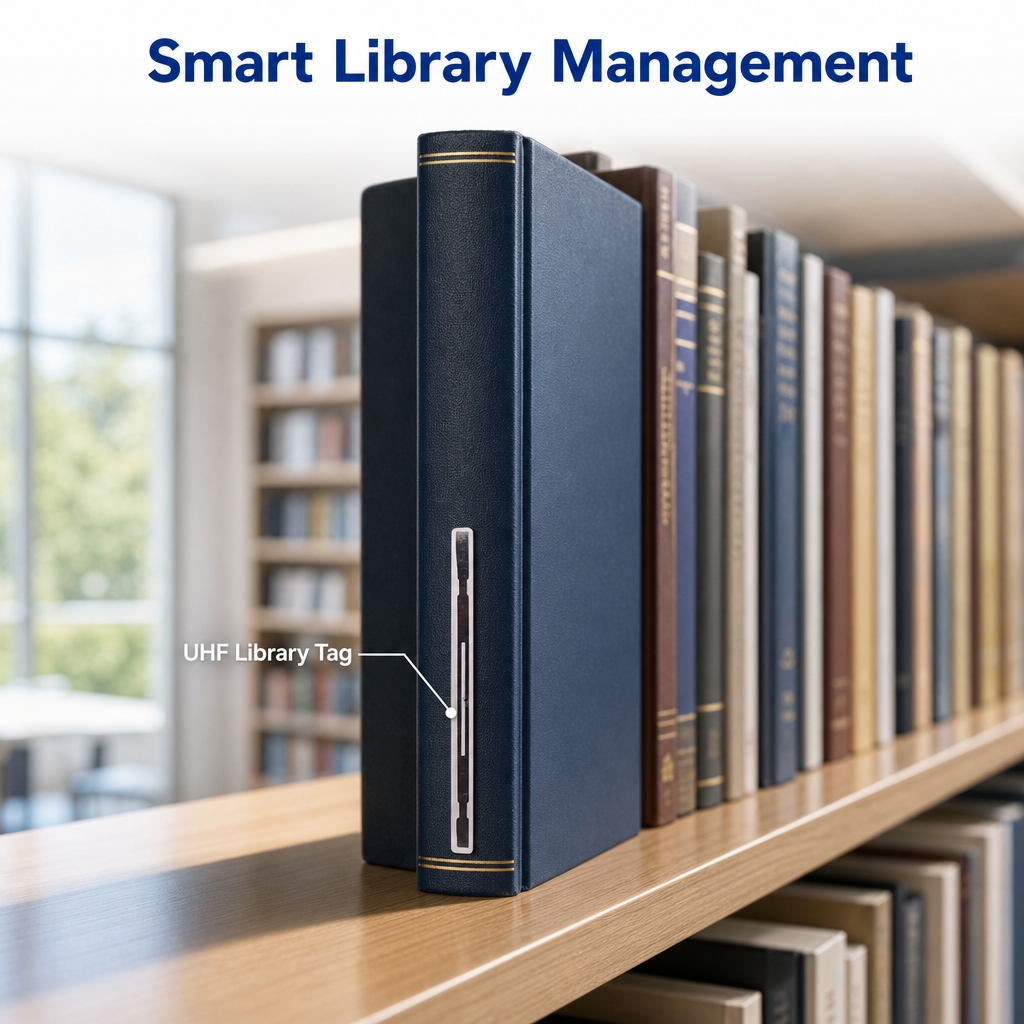
Two different tags share this page: an HF label at 13.56 MHz that talks to the self-check kiosk and the security gates, and a UHF label that lets one person walk the stacks and read a shelf at a time.
They are not interchangeable, and the choice is not about price. It is about what your library system supports, what your gates expect, and whether the job is lending or stocktaking.
| 13.56 MHzHF, ICODE SLIX | 860-960 MHzUHF, UCODE 8 or 9 | 50 × 50 mmstandard format, custom sizes |
The decision
| HF — 13.56 MHz | UHF — 860 to 960 MHz | |
| Chip | NXP ICODE SLIX. ICODE SLIX2 is the larger-memory option, and it is a different part number | NXP UCODE 8 or UCODE 9. Neither has user memory beyond the EPC, so plan the data model around that |
| Air interface | ISO/IEC 15693, Near field, coil to coil | ISO/IEC 18000-6C, the same thing as EPC Class 1 Gen 2. Far field, backscatter |
| Read distance | Centimetres. A self-check pad reads at 20 to 30 cm; a handheld staff reader nearer 10 cm | 3 to 13 m depending on the reader, the shelf and the tag orientation |
| What it is for | The lending loop: staff station, self-check kiosk, return sorter, and the security gates that watch the AFI and the EAS bit | The stocktake loop: walking the stacks with a handheld, reading a shelf without touching it, sorting returns in bulk |
| What fails first | A metal foil or a thick laminated cover between the tag and the pad, or a tag placed too far from the coil | Dense shelves shielding each other, a tag on the spine seen edge-on, and any metal in the shelving |
| Check before ordering | That your library management system and your gates are HF, and which data profile they expect | That your LMS supports UHF at all. Far fewer installations do, and the gates are usually the constraint |
What a library tag actually has to comply with
| Standard or field | What it defines | Why the buyer needs it |
| ISO 28560-1 | The data elements and the general framework for RFID in libraries. | It is the vocabulary your LMS vendor and your tag supplier both use. If a supplier cannot name it, they are not a library supplier. |
| ISO 28560-2 | The encoding rules for those data elements, based on ISO/IEC 15962. Applies to HF and to UHF. | This is what makes a tag readable by a system from a different vendor. Ask for it by part number. |
| ISO 28560-3 | Fixed-field encoding, for HF tags only, where the memory is used in a fixed layout. | Some European consortia and older systems use it. If your LMS asks for -3, an SLIX2 tag is the usual answer, not an SLIX. |
| NISO RP-6 | The United States data profile built on ISO 28560. | North American public and academic libraries usually specify this. It is a different document from ISO 28560 and buyers quote it by name. |
| AFI C2 hex | The Application Family Identifier that marks an item as part of the library family. Registered under ISO/IEC 15961-2. | Without it, a library gate cannot tell your books from any other tag in the building. Some systems use 07 hex as the paired value, with the pair encoding shelf or loan state — your LMS decides which. |
| The EAS bit | The electronic article surveillance flag inside the tag, separately settable. | This is what the security gates actually react to on many systems, with the AFI as a second filter. A tag whose EAS bit is never set is an inventory label, not a security label. |
Where the label goes
The standard position is the inside of the back cover, a couple of centimetres from the spine. That is not arbitrary: the self-check pad has a coil under its surface, the cover is the flat face that lies on it, and the further the tag sits from that coil the less power it receives. A perfectly good tag in the wrong place reads at nothing.
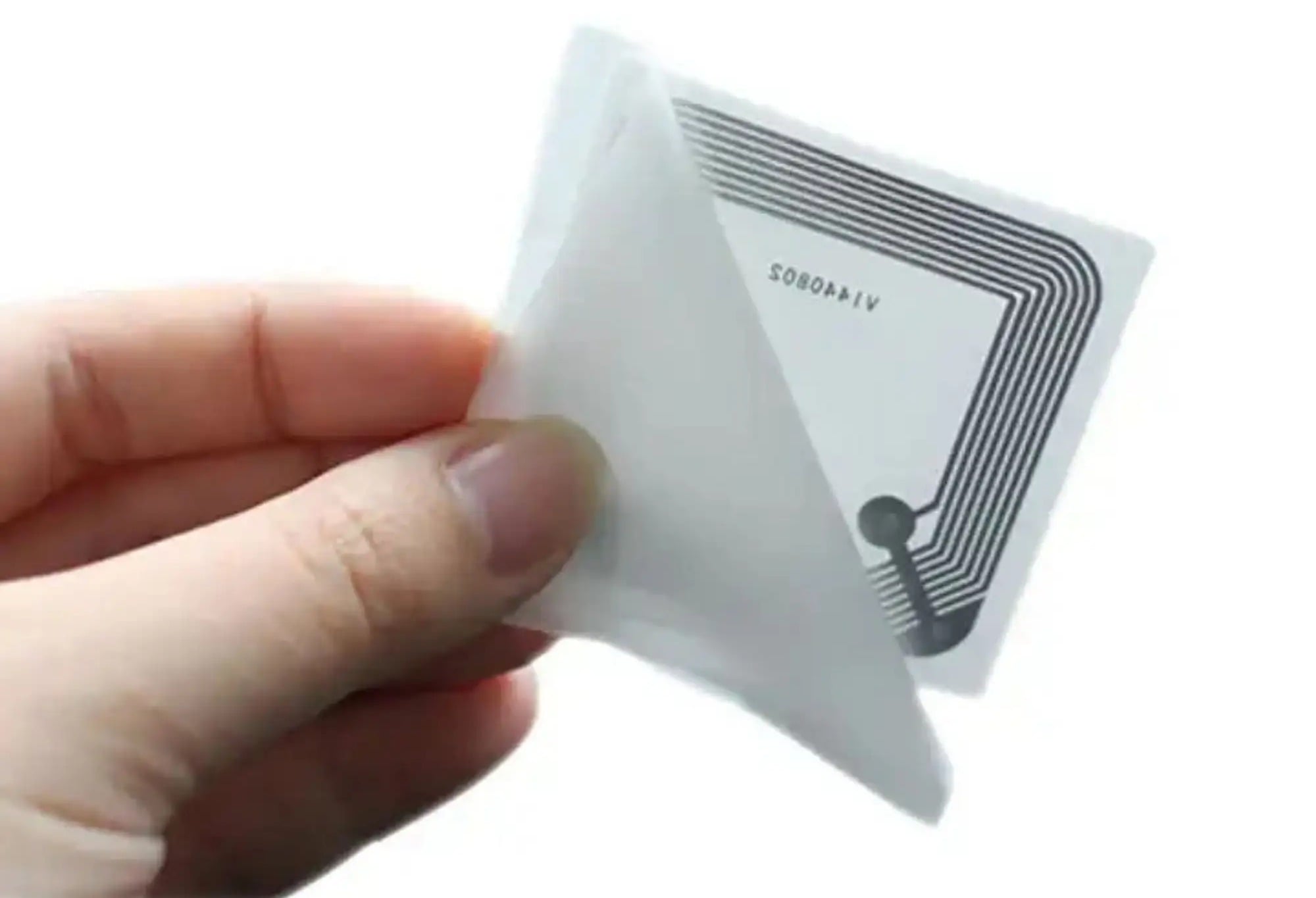
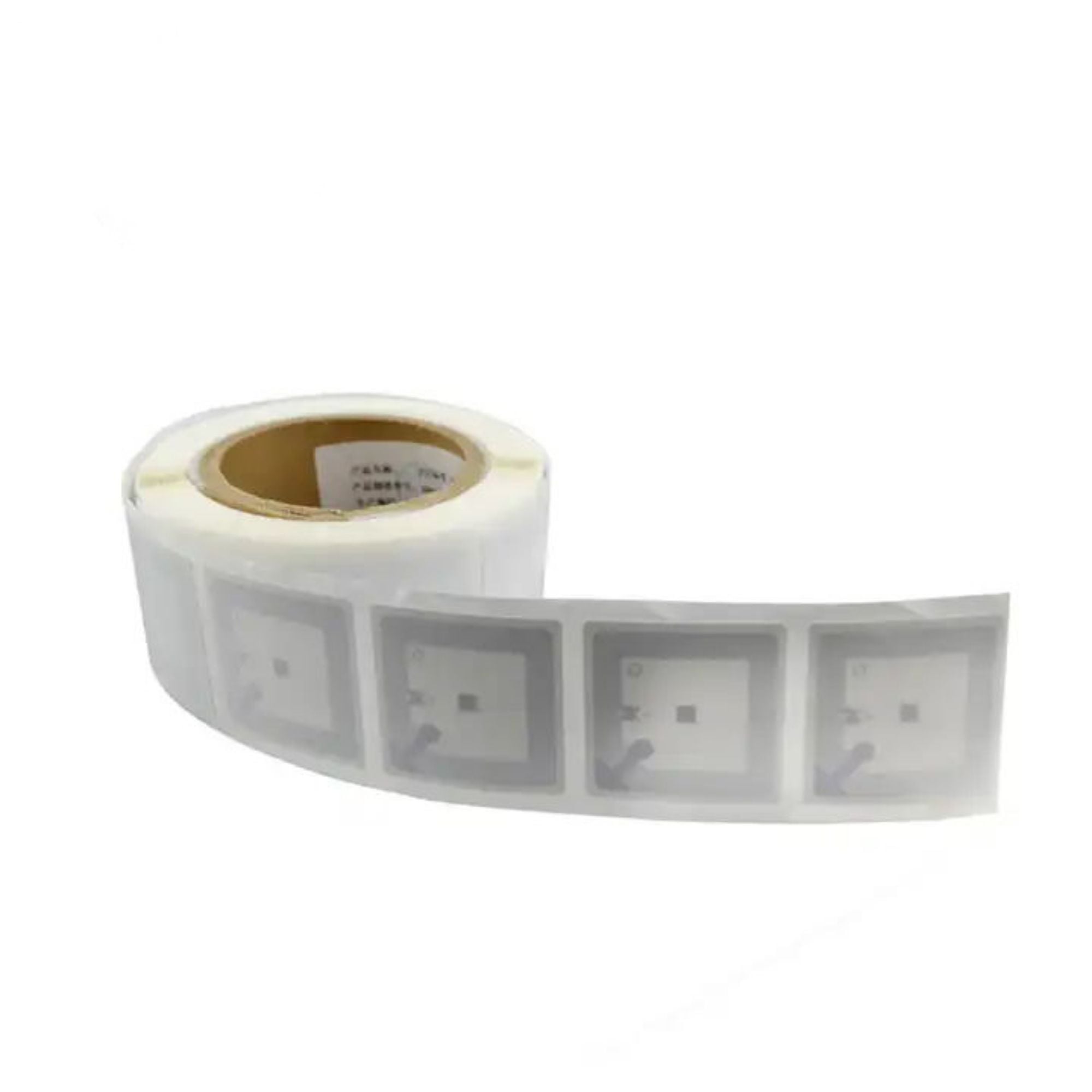
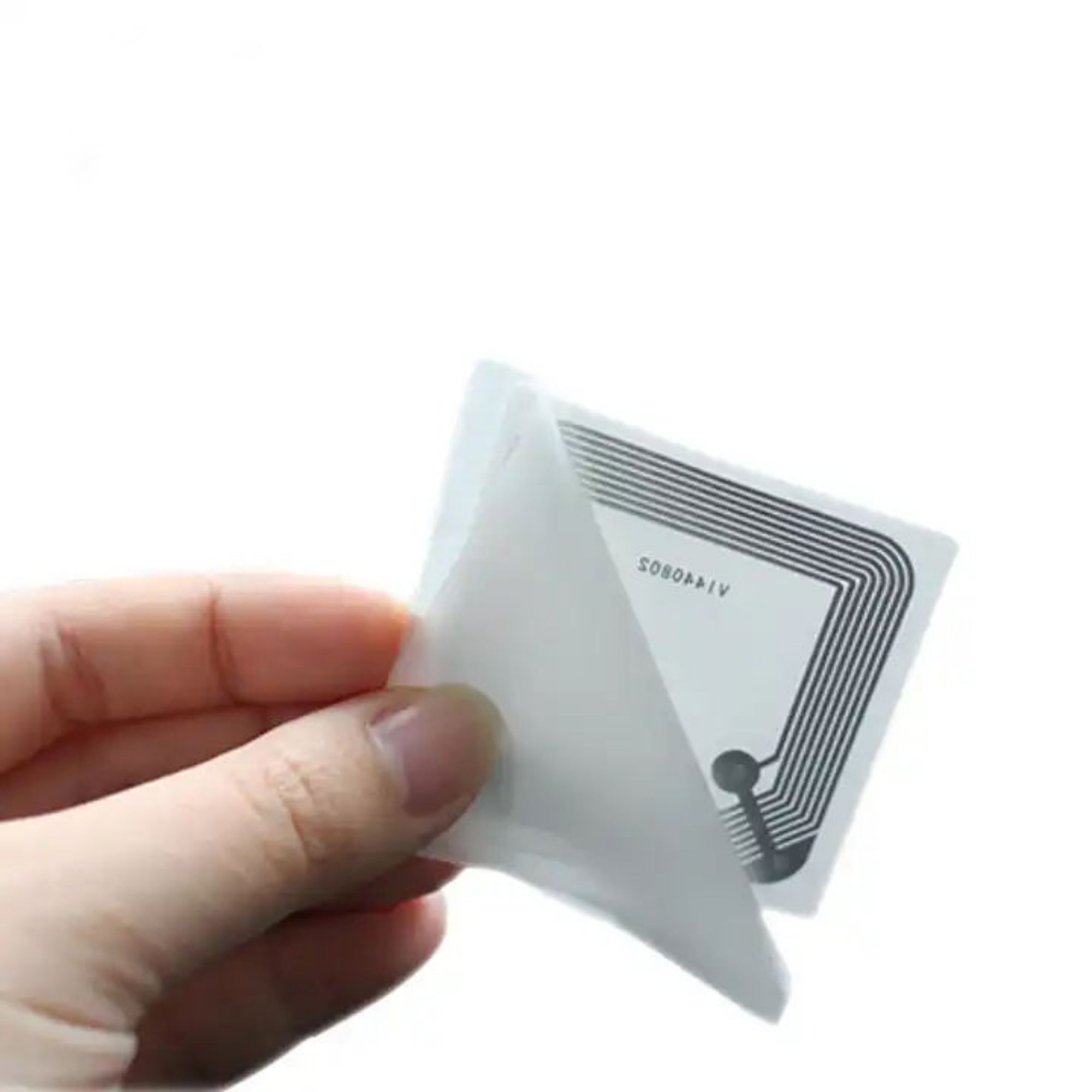
The label and its liner. The adhesive is permanent, so placement is a one-time decision — and the loop you can see is the reason the label must lie flat rather than bridge a fold.
| Position | Verdict | Why |
| Inside back cover, 2 to 3 cm from the spine | Standard | Flat against the pad, close to the coil, protected by the cover, and out of the way of the reader. This is what library systems are designed around. |
| Inside front cover | Works, second choice | Same physics, but it fights with the pocket and the date label on many books, and some kiosks expect the back. |
| On the spine, under the jacket | Only for thin books | The antenna is now edge-on to the pad and behind board. Expect a much shorter read, and check it on a real book before committing. |
| Over a metal foil or a laminated cover | Do not | Metal in the cover absorbs the field. A tag over foil reads at nothing regardless of chip or size. |
| Two labels per book | Do not | Two tags answer at once, the kiosk sees a duplicate, and the transaction fails. One item, one tag, encoded once. |
| On a page rather than the cover | Avoid | The page flexes, the label lifts at the edges, and the loop distorts. If the cover is unusable, a thin book with a spine tag is the better fallback. |
The number that loses bids
The specification gives the HF version a read range of 0 to 5 cm. If that figure is real, the tag will not work on a self-check pad: library kiosks are designed around 20 to 30 cm, and a tag that only reads at 5 cm fails at the pad before the software ever sees it. Either the figure is wrong, or the tag is being measured on the wrong reader.
| What is published | What the number actually means |
| HF: 0 to 5 cm | This is the range you get from a phone or a small USB reader, not from a library pad. On a pad coil it will be a different number, and the pad is what the library owns. Publish the figure measured on a specific reader, and name the reader. |
| UHF: 3 to 13 m | A four-fold spread inside one product line, with no conditions attached. What moves it: shelf density, whether the tag faces the antenna or is seen edge-on, the reader's output power, and whether the book is against a metal shelf end. |
Specification
| HF VERSION — 13.56 MHZ | |
| Chip | NXP ICODE SLIX. ICODE SLIX2 is available as a larger-memory option and is a separate part number |
| Air interface | ISO/IEC 15693 |
| Memory | ICODE SLIX is 1024 bits of EEPROM in total, of which 896 bits are user memory. ICODE SLIX2 is 2560 bits total with 2528 bits of user memory. |
| Frequency | 13.56 MHz |
| UHF VERSION — 860 TO 960 MHZ | |
| Chip | NXP UCODE 8 or UCODE 9 |
| Air interface | ISO/IEC 18000-6C |
| Memory | UCODE 8 has a 128-bit EPC memory, 96 bits of it usable in practice, plus 32 bits of user memory. UCODE 9 has a 96-bit EPC and no user memory at all, so a data model that needs to write its own field cannot use it |
| Frequency | 860 to 960 MHz, in practice three regional bands: 865 to 868 in Europe, 902 to 928 in North America, 920 to 925 in China. The tag is tuned per region, so say which market you are buying for |
| BOTH VERSIONS | |
| Size | With custom sizes on request. Ask for the die drawing if the book cover is small |
| Materials | Coated paper face, PET, or PVC, over an aluminium antenna. The face stock decides whether the label can be printed and how it wears inside a cover that is opened thousands of times |
| Read range | HF: centimetres, and the published 0 to 5 cm is measured on an unspecified reader. UHF: 3 to 13 m depending on reader, shelf and orientation |
| Encoding and print | Printing in one or more colours, barcode or QR code on the face, and encoding to your data profile. |
Where it fits
| Setting | What to specify | Check first |
| Public library, high lending volume | HF, 50 × 50 mm, encoded to NISO RP-6 or ISO 28560-2, with the EAS bit set on issue. | The gates. If they are already installed they are almost certainly HF, and that decides the entire order regardless of preference. |
| Academic library, large collection | HF for the lending loop, and consider UHF only if you run stocktakes of tens of thousands of volumes and the LMS supports it. | Whether the same label can serve both loops. Usually it cannot, and two tag types in one collection is a support problem, not a cost problem. |
| School or small branch library | HF, staff-station reading only, no gates. The simplest configuration and the cheapest per item. | Whether the LMS is hosted. A hosted system dictates the data profile, and the profile decides the chip's memory requirement. |
| Corporate archive and records room | UHF, for shelf reading and periodic audits where nothing is lent and nothing is gated. | The shelving. Metal shelving and tightly packed boxes are the two things that shorten a UHF read most, and archives have both. |
| Book distributor or bookshop | UHF, on cartons and on individual books for despatch verification. | Whether the tag has to survive retail. A book that leaves with a permanent tag and no EAS handling will alarm in someone else's store. |
In use
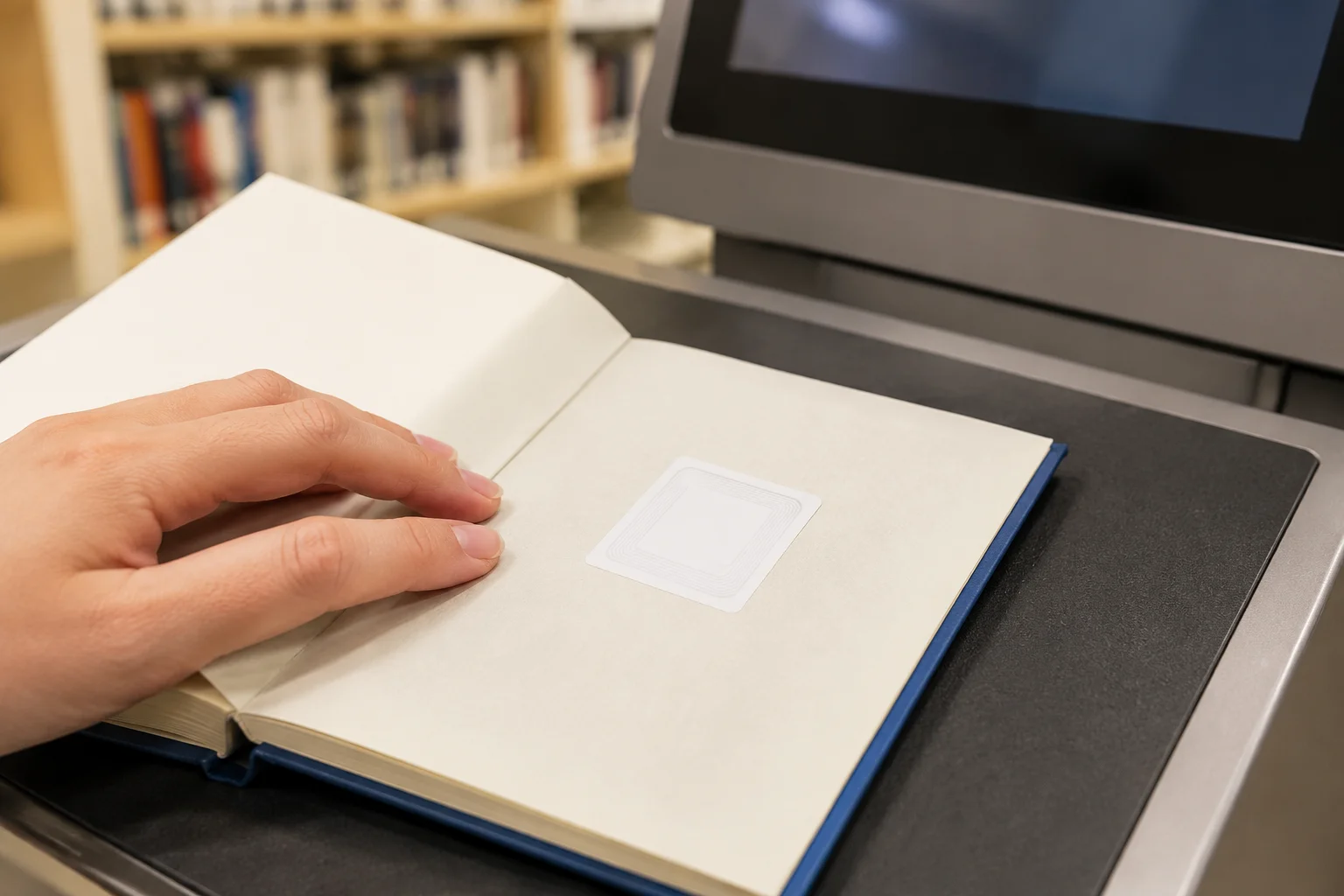
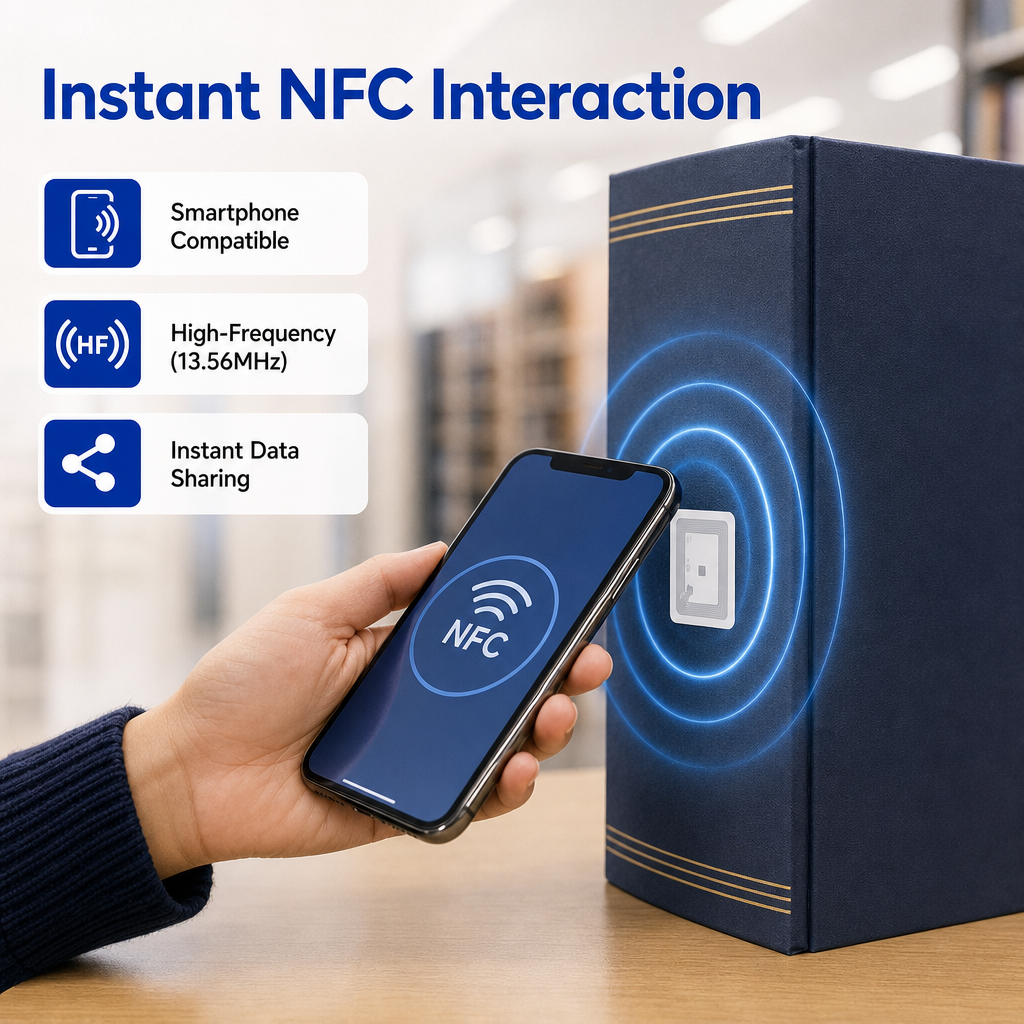
The HF loop: the book lies open on the pad, label on the inside cover, coil under the pad surface. The label has to be within a few centimetres of that coil — which is why placement, not chip choice, is what makes a kiosk work.

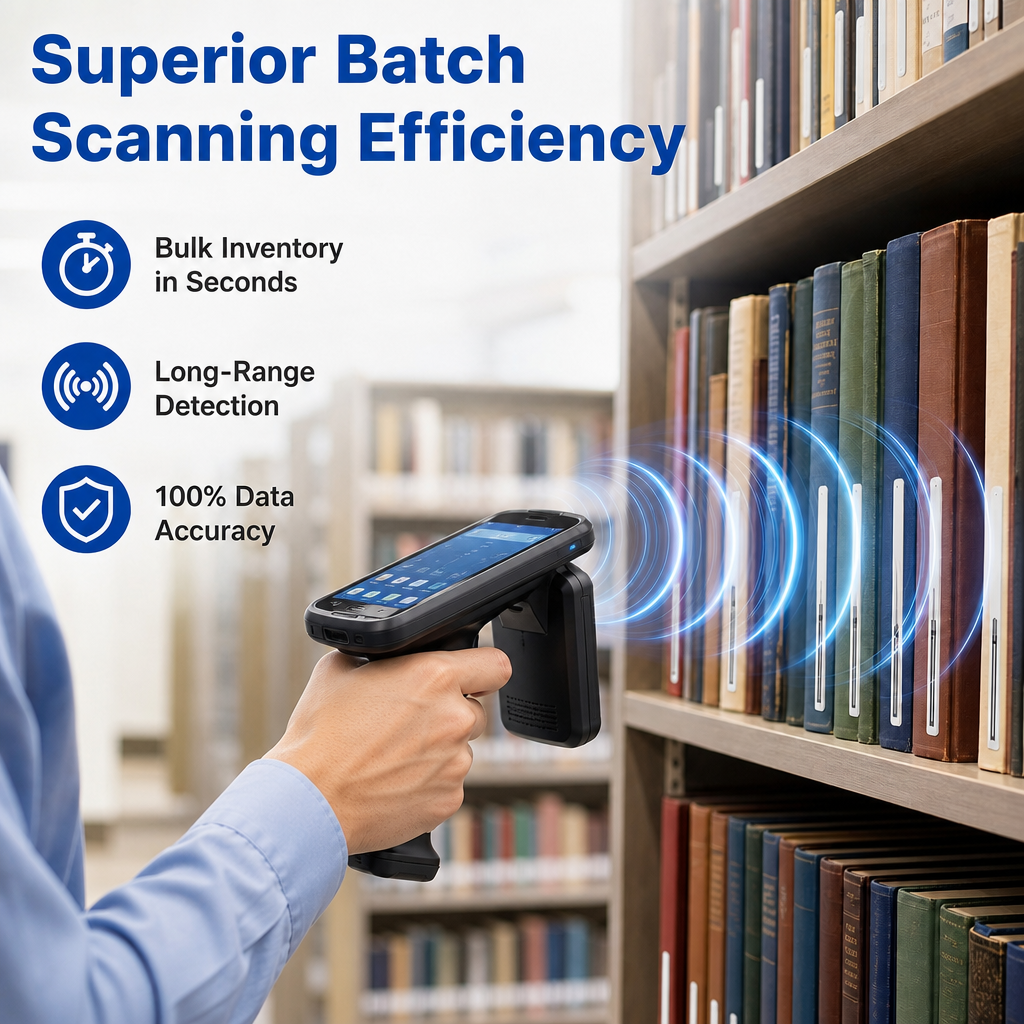
The UHF loop: one pass along a shelf, no books pulled out. The tag is edge-on behind board here, which is exactly why the UHF range on a shelf is a fraction of the range on a table.
Questions we are asked
| Question | Answer |
| Should we choose HF or UHF? | Start from what you already own. If you have security gates or a self-check kiosk installed, they are almost certainly HF, and that settles it: a UHF collection will not trigger them. Choose UHF only when the collection is large, the stocktake is the real pain, and your library management system supports it. It is a system decision, not a label decision. |
| What is the AFI, and why does every supplier ask us for it? | The Application Family Identifier is a byte inside the tag that marks the item as belonging to the library family. The library value is C2 hex, registered under ISO/IEC 15961-2, and some systems use 07 hex as the paired value to encode shelf or loan state. Your LMS vendor specifies which convention you use. Without an AFI, a gate cannot distinguish your books from any other tag in the building. |
| Does the tag include EAS, or is that separate? | The EAS bit lives inside the same tag and is set or cleared by the encoding or by the kiosk. On many systems the gates react to that bit with the AFI as a filter. It is not a separate physical label, but it is a separate line in the order specification — and a tag delivered with the EAS bit never set is an inventory label, not a security label. |
| Where exactly should the label go inside the book? | Inside the back cover, two to three centimetres from the spine, flat and without bridging a fold. Avoid covers with metal foil or a very thick laminated board, avoid the spine except on thin books, and never fit two labels to one item — the kiosk sees a duplicate and the transaction fails. |
| Can you encode and print them before delivery? | Yes, and for a library this is the normal way to buy. Printing in one or more colours, a barcode or QR code on the face, and encoding to your data profile all happen at the factory. Send the profile, the AFI value, the EAS convention and the numbering rule with the order. |
Related. The wider library range is on the RFID library tag page, security labels are on RFID EAS tags, and if you need the label in a different construction the starting points are wet inlays and label printers. For the stocktake side, the reader matters as much as the tag: see handheld readers.
Copyright © ©Copyright 2024 Greatest IoT Technology Co., Ltd all rights reserved - Privacy policy