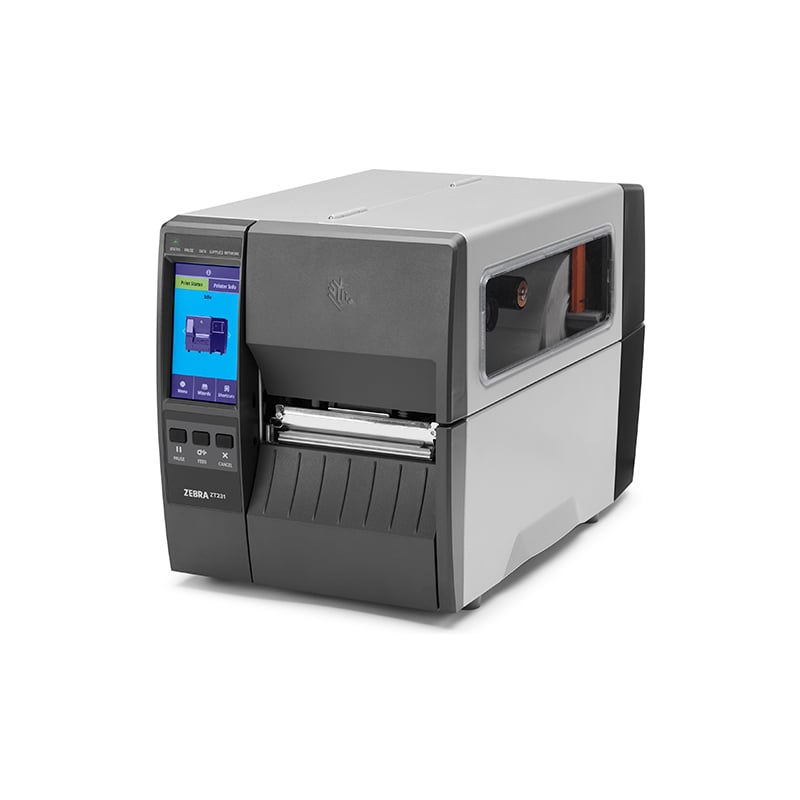
| Component |
Function |
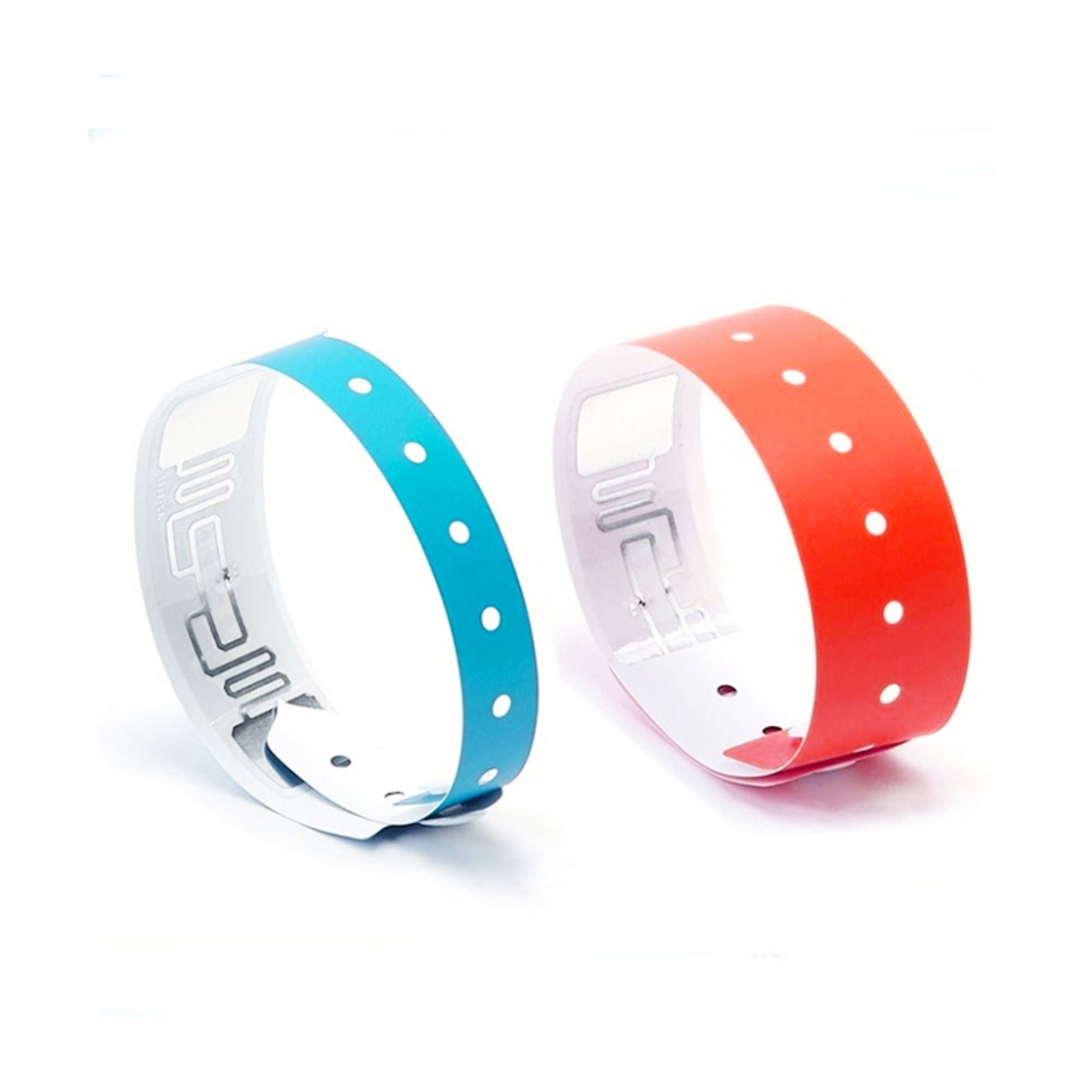
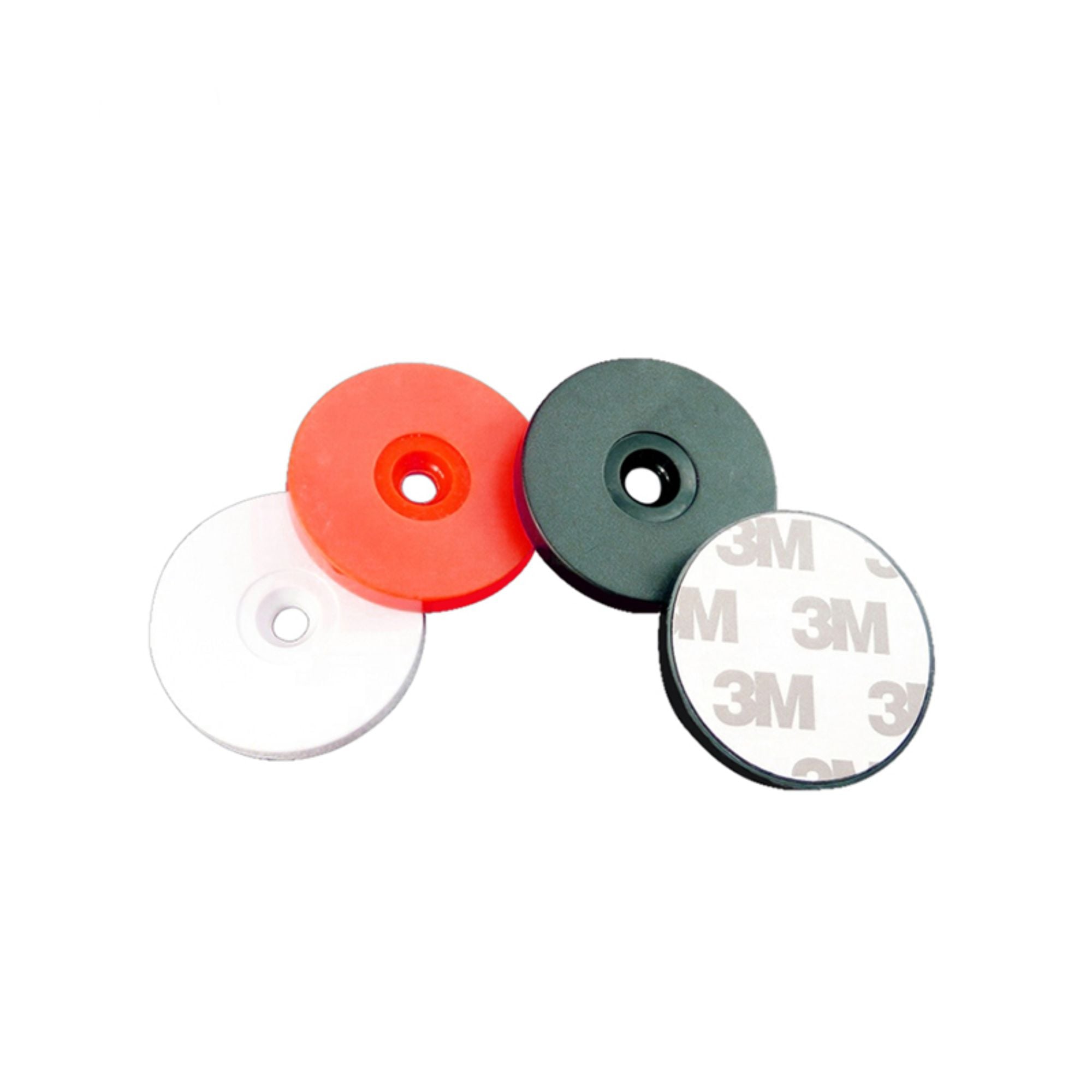
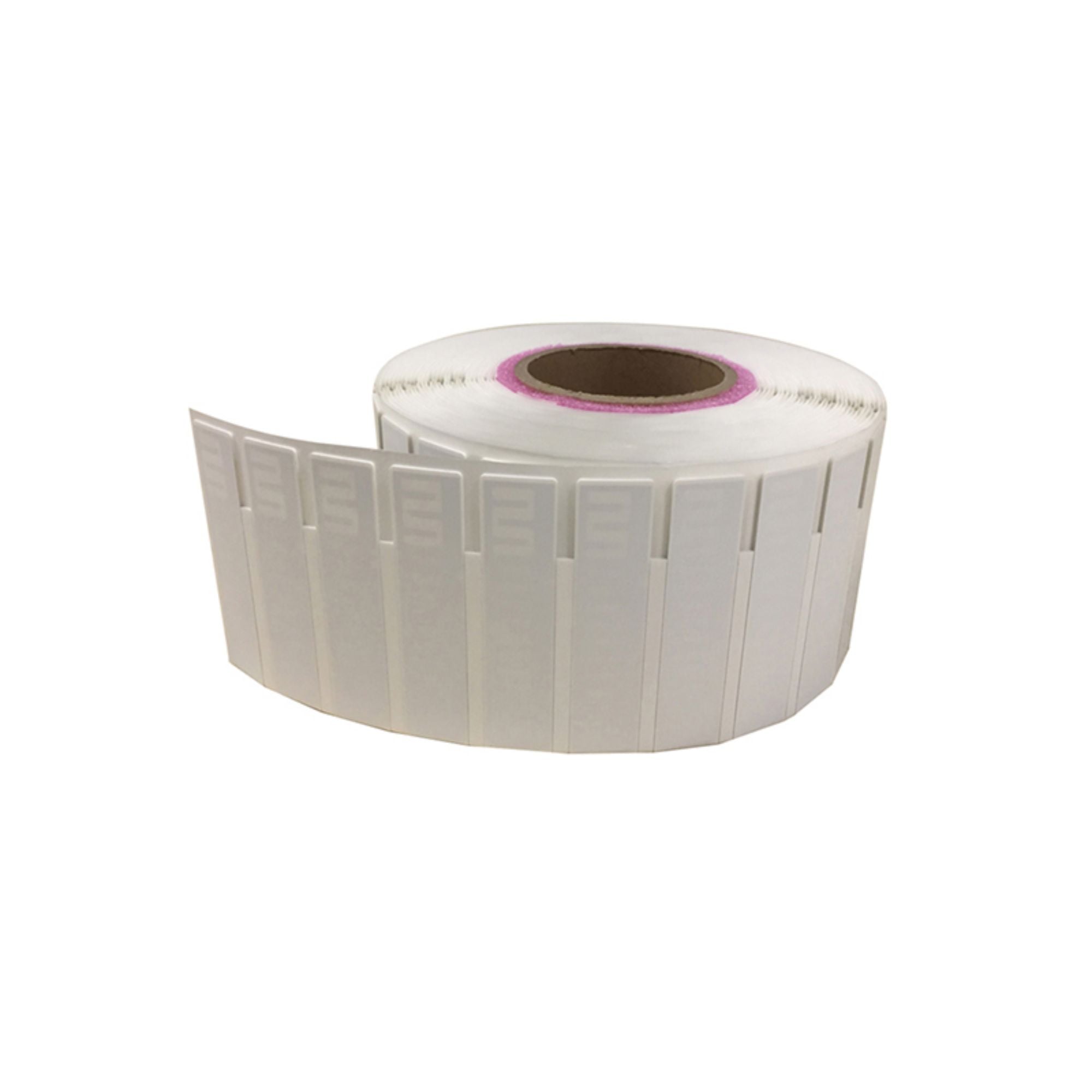
| RFID library tag |
Provides a unique ID for each book or media item |
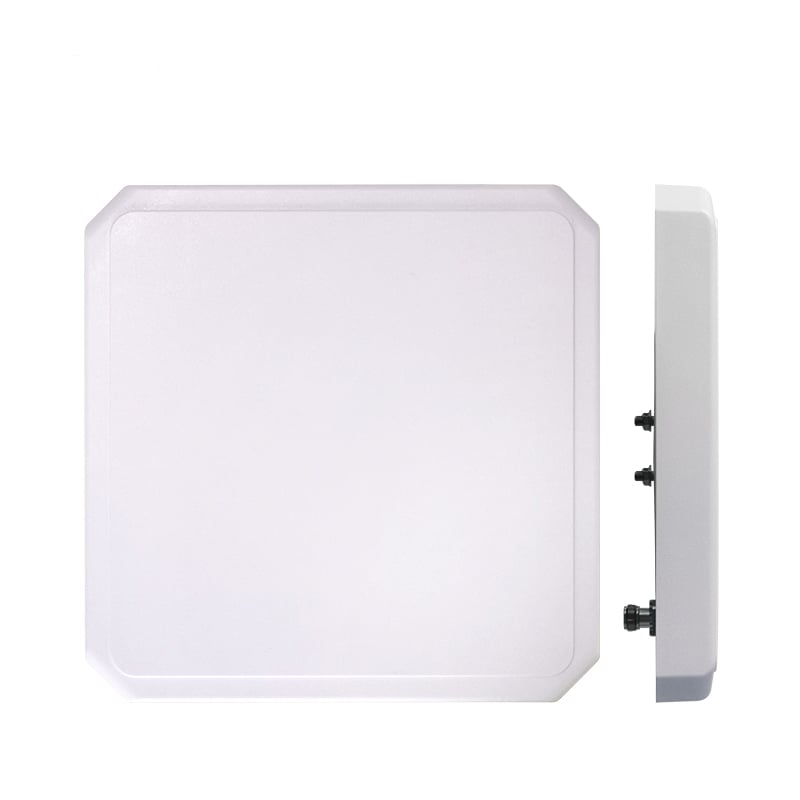
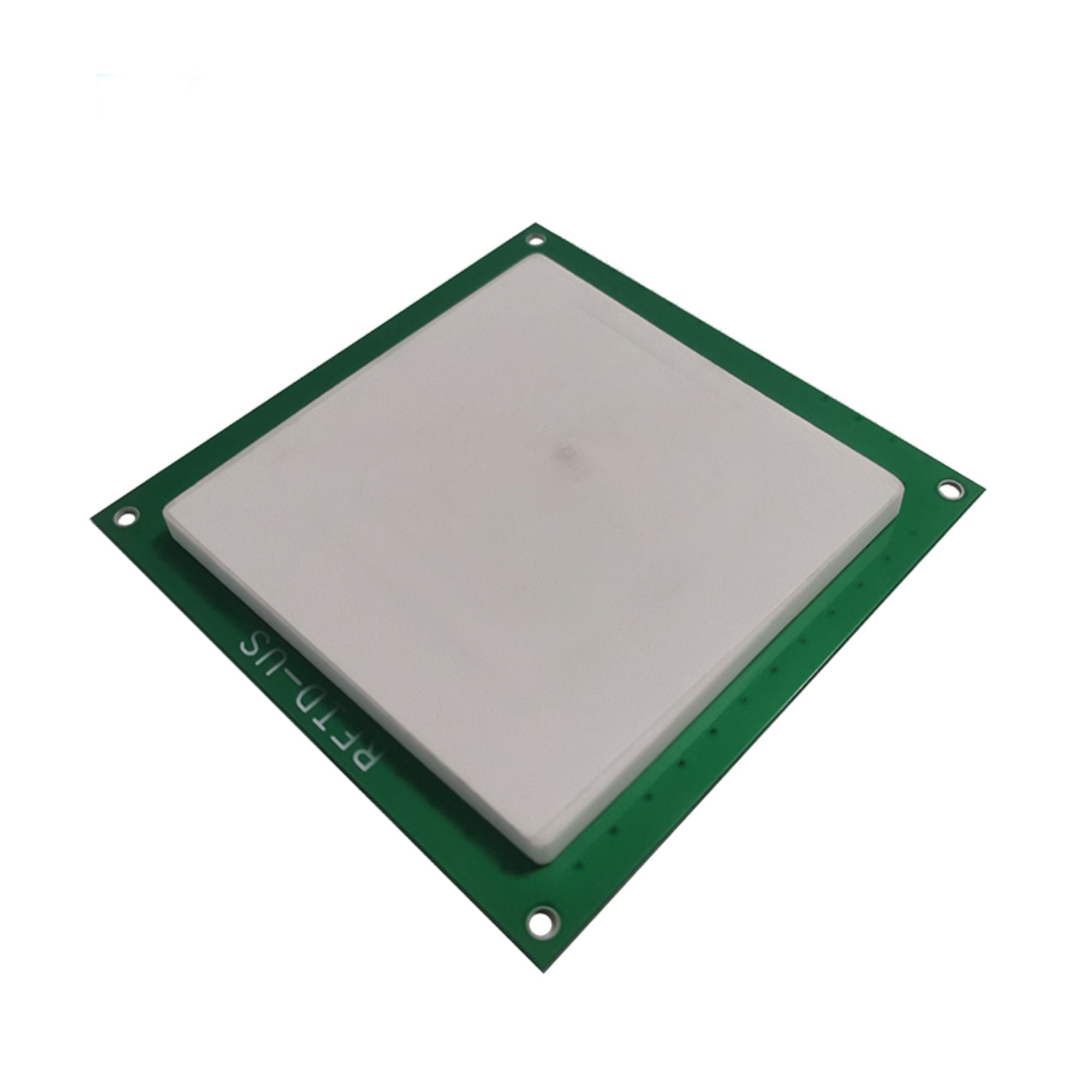
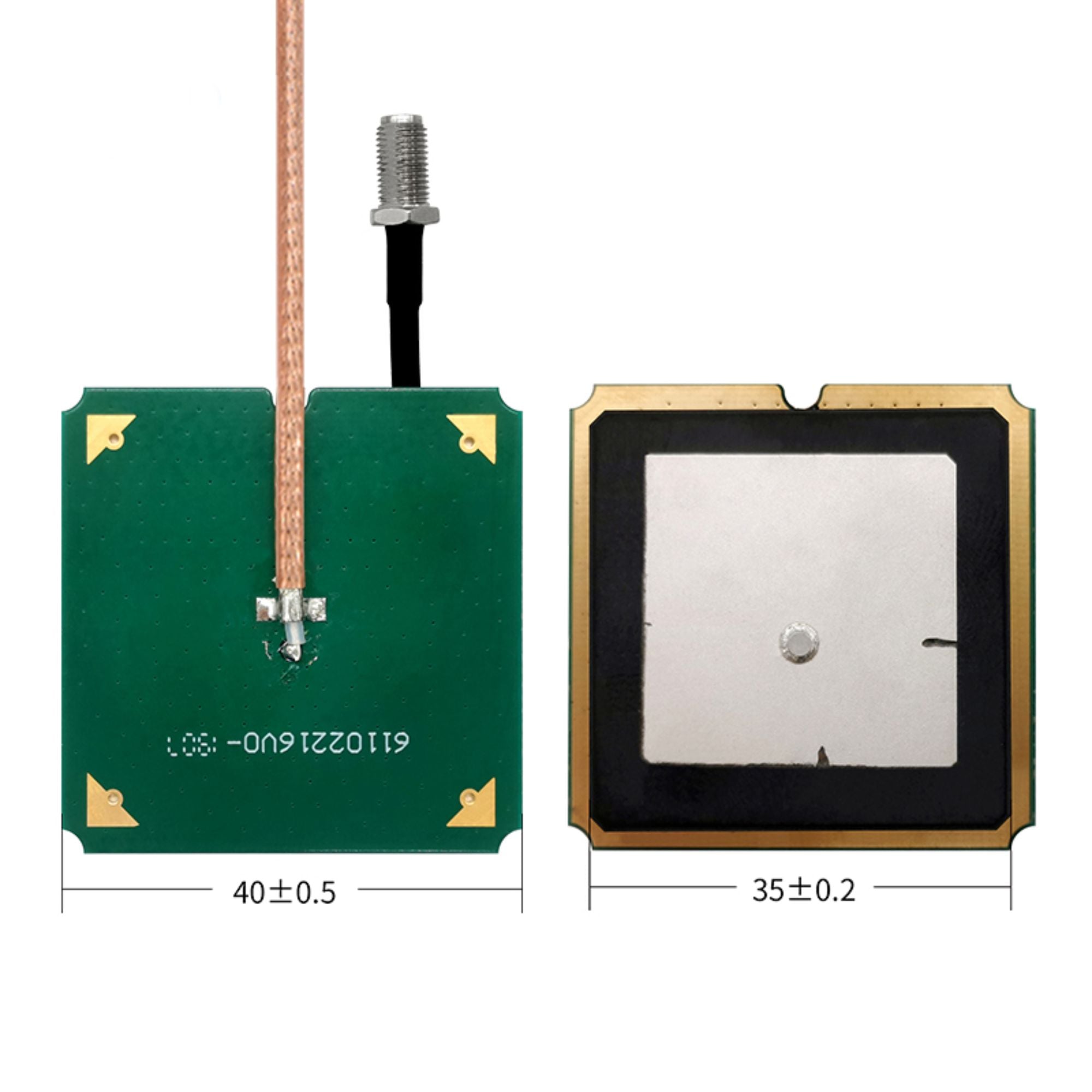
| RFID reader and antenna |
Sends and receives radio signals to identify tags |
| Library management system |
Links tag IDs with catalog, circulation, and borrower data |
| Self-service kiosk or staff station |
Supports check-in, check-out, renewals, and account operations |
| Book return box |
Reads returned items and records them in the system |
| RFID security gate |
Detects items passing through an exit area according to circulation rules |
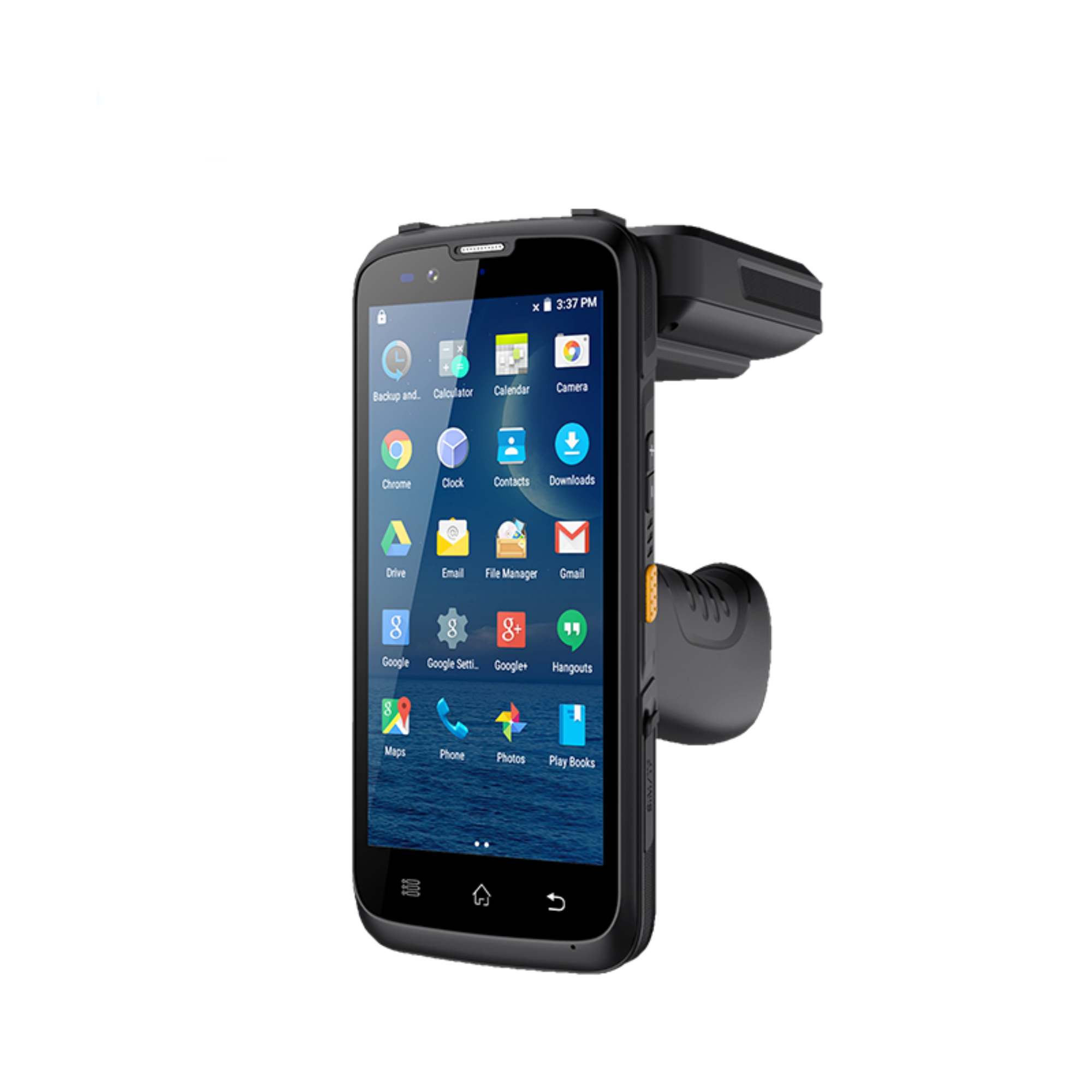
| Handheld inventory reader |
Supports shelf reading, stock verification, and item finding |
A typical implementation follows this process:
- Assign an accession number or item ID to each library item.
- Encode or associate the RFID tag with that item record.
- Place the tag inside or on the book, media case, file, or other asset.
- Use readers at the circulation desk, self-service station, book drop, shelves, or exit gate.
- Synchronize the reading results with the library management system.
- Generate circulation, inventory, misplaced-item, or exception reports.
Actual performance depends on the tag type, frequency, reader design, antenna layout, book orientation, shelf material, nearby metal, software configuration, and local radio requirements. A pilot test in the actual library environment should be completed before large-scale deployment.
What Are the Main Benefits of RFID Library Tags?
1. Speed Up Book Check-In and Check-Out
At a staff station or self-service kiosk, RFID can allow multiple items to be identified during one transaction. This can reduce repetitive barcode scanning and help shorten queues during busy periods.
2. Improve Collection Inventory Accuracy
A handheld RFID inventory reader can help staff scan items along shelves and compare the results with the library management system. Depending on the system design, staff may be able to verify collections without removing every book from the shelf.
3. Find Misplaced Books More Efficiently
A book may be cataloged correctly but placed in the wrong section. With a handheld reader, staff can search for a specific item ID or scan a shelf area to identify items that are out of sequence or in the wrong location.
4. Support Self-Service Circulation
RFID-enabled self-service kiosks can allow patrons to check out, renew, or return items with less staff intervention. This does not eliminate the need for librarians; instead, it can free staff to focus more on reference services, collection development, and patron support.
5. Automate Book-Drop Returns
An RFID-enabled return box can identify returned books and send the transaction to the library system. Depending on the configuration, the system may also print or provide a digital receipt and route items for sorting.
6. Strengthen Collection Security
RFID security gates can compare detected item IDs with circulation status and trigger an alert when an item passes through an exit area without a valid issue transaction. Security performance depends on gate layout, reader configuration, software rules, and correct staff procedures.
7. Improve Patron Experience
Faster circulation, shorter queues, easier returns, and better item availability can make the library experience more convenient. The result depends on the complete workflow—not on the tag alone.
HF or UHF: Which RFID Library Tag Should You Choose?
Library projects commonly evaluate HF and UHF options. The right choice depends on the library's circulation model, security design, existing equipment, local regulations, and integration requirements.
| Comparison factor |
HF RFID library tag |
UHF RFID library tag |
| Common library role |
Close-range circulation, item identification, and library automation workflows |
Longer-range or area-based identification, selected inventory and gate applications |
| Typical standard family |
ISO/IEC 15693 and related library implementations |
ISO/IEC 18000-6C / EPC Gen2-style implementations, depending on the system |
| Reading behavior |
Often designed for controlled, close-range interaction |
Can support wider-area reading when the antenna and environment are designed for it |
| Strengths |
Predictable close-range operation and broad library-system familiarity |
Potentially faster area reading and longer-range detection |
| Key risks |
Requires correct reader placement and transaction control |
More sensitive to layout, unwanted reads, orientation, and environmental interference |
| Best selection method |
Match the tag to the library platform and circulation equipment |
Validate the complete reader, antenna, software, and gate configuration on site |
RFID Library Tag Applications
Library Book Tagging
Each book can receive a unique RFID identity linked to its accession number or item record. The tag may be placed inside the cover, on an inside page, or in another approved location according to the library's tagging policy and the tag manufacturer's installation instructions.
Staff Circulation Desk
A desktop reader can help staff process several books during check-in, check-out, renewal, or item verification. The software should confirm the borrower, item status, due date, and transaction result before the item leaves the desk.
Self-Service Check-In and Check-Out
A self-service kiosk can read the patron card and one or more book tags, then communicate with the library management system. User-interface design, accessibility, privacy, and transaction confirmation are important parts of the implementation.
Automated Book Return Box
A return box with an RFID reader can recognize returned items outside normal desk hours. It may also support receipt generation, return-status updates, and sorting workflows, depending on the connected software and hardware.
Security Gate Management
RFID gates can be positioned at entrances or exits to help identify items moving through a controlled area. A gate alert should be treated as an exception for staff review, not as a substitute for a complete security policy.
Shelf Management and Physical Inventory
Handheld readers can help staff conduct collection audits, identify missing items, locate misplaced books, and compare shelf data with catalog records. The practical results depend on shelf construction, item density, tag orientation, and reader configuration.
Media and Archive Management
RFID labels may also be evaluated for journals, files, DVDs, CDs, special collections, and other assets. Each format requires testing because media cases, metal components, protective covers, and storage conditions can affect RF performance.